

VS Code Installation
This is a short note about a few important points during VS Code installation, especially adding VS Code to the system context menu/registry.
Install VS Code
On the second installer page, VS Code asks which options to enable. You can check all of them. Desktop shortcut is optional, but the four options shown below should definitely be enabled.
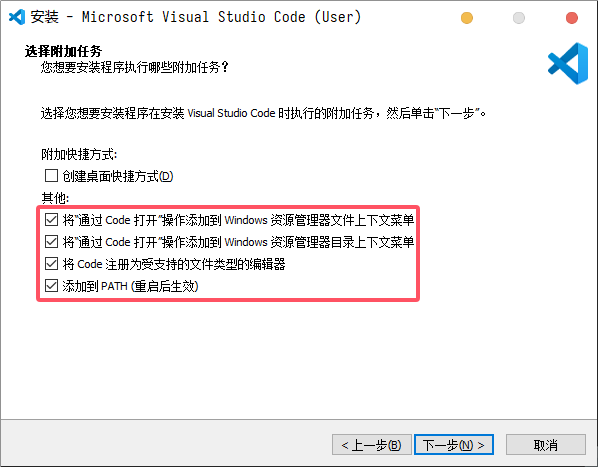
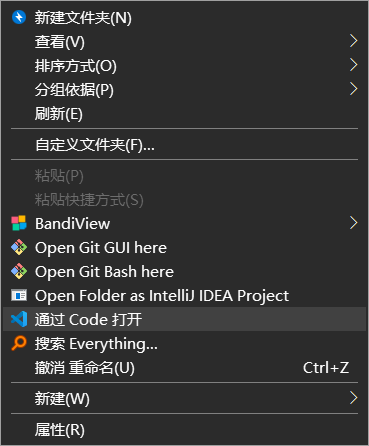
The first two options mainly help you open projects quickly.
Install Extensions
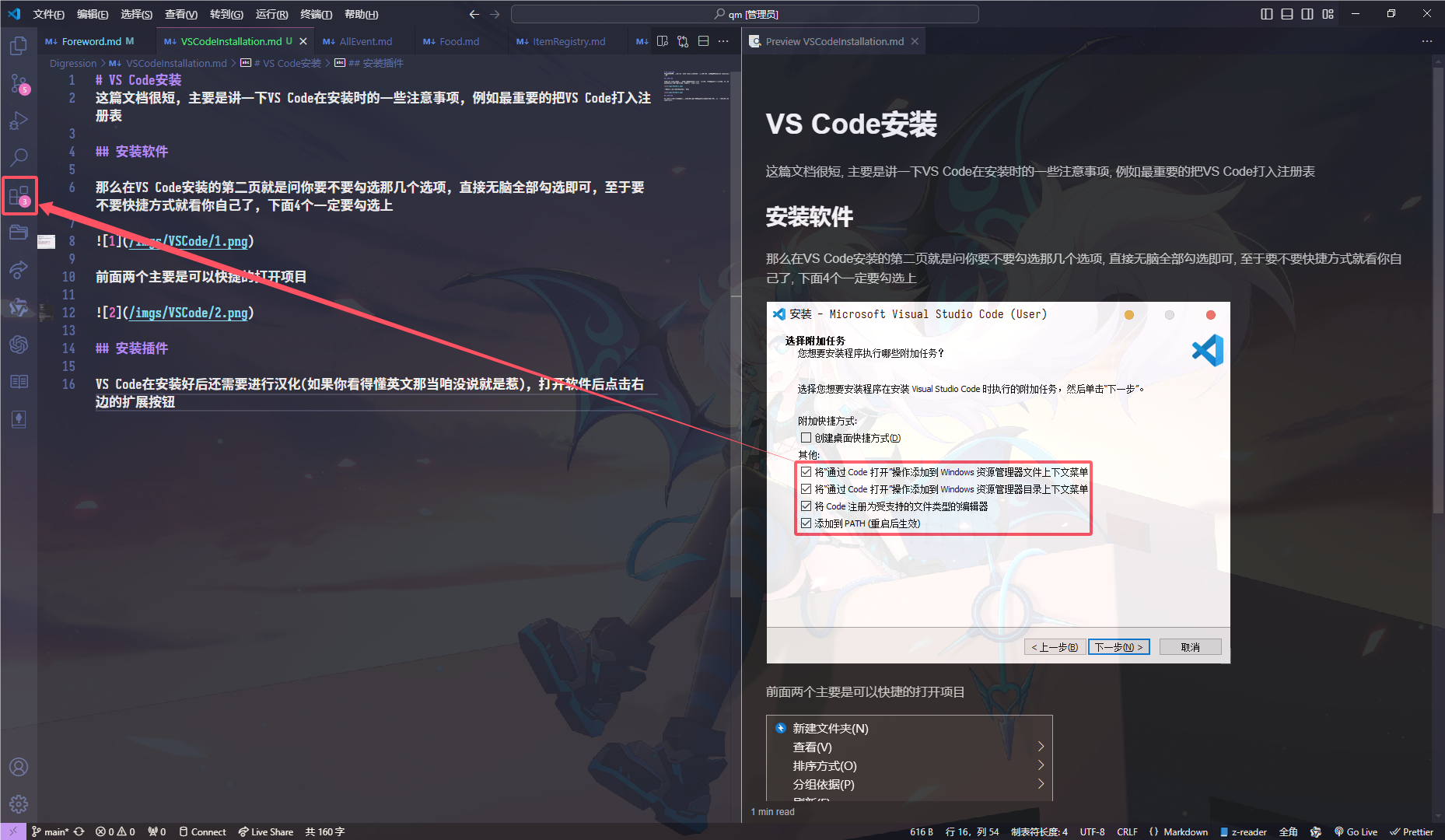
After installing VS Code, you can install a Chinese language pack if needed. Open VS Code and click the Extensions panel on the right.
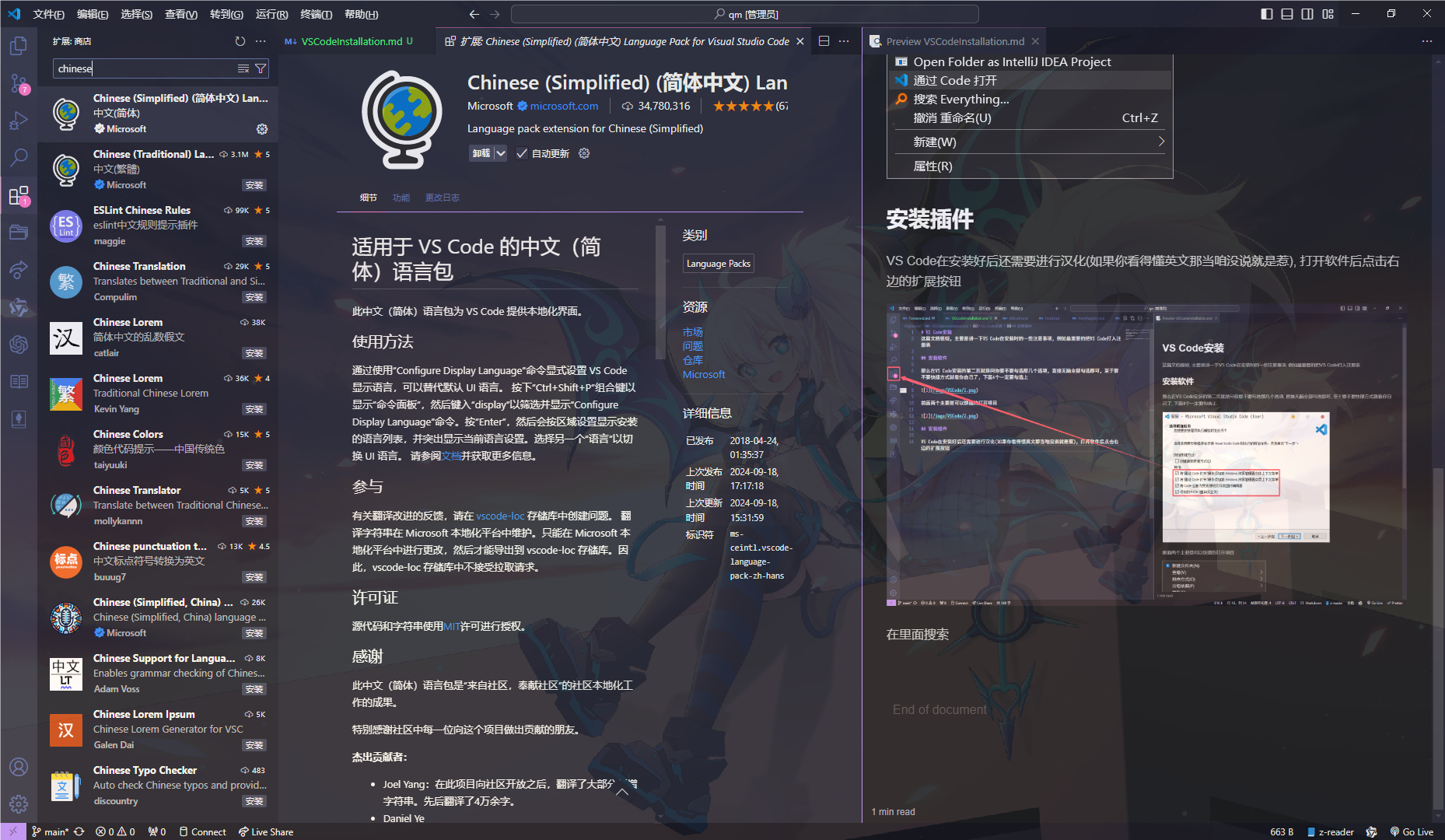
Search for chinese and install it. VS Code will prompt for restart after installation; just restart normally.
Install the probejs extension the same way. If you are on versions below 1.21, install the older extension version (0.0.4), because newer versions require a 1.21 environment.
VS Code has many other extensions. Explore and choose what fits your workflow.